
Shopify plans range from a simple social-selling option to an enterprise platform, and choosing the right one saves money and headaches. The differences between Shopify plans are mostly about staff accounts, reporting, transaction fees, shipping discounts and advanced features, not about how good your store can look.
This guide compares the five main Shopify plans, explains who each one suits and gives a simple rule for when to upgrade. Prices and fees change by country, so always confirm current figures on Shopify’s pricing page.
Key takeaways
- All Shopify plans include hosting, SSL, unlimited products and a secure checkout.
- Higher plans add staff accounts, better reports, lower fees and more advanced features.
- Most new stores start on Basic and upgrade when sales volume makes lower fees worthwhile.
- Shopify Plus is for high-volume brands that need B2B, automation and checkout customisation.
Table of Contents
How Shopify plans differ
Every plan gives you the same core platform: themes, checkout, hosting and the App Store. As you move up, you get more staff seats, more detailed reports, more inventory locations, lower transaction fees when you use third-party payment providers, better shipping discounts in supported countries, and features such as custom reports or duties and import taxes.
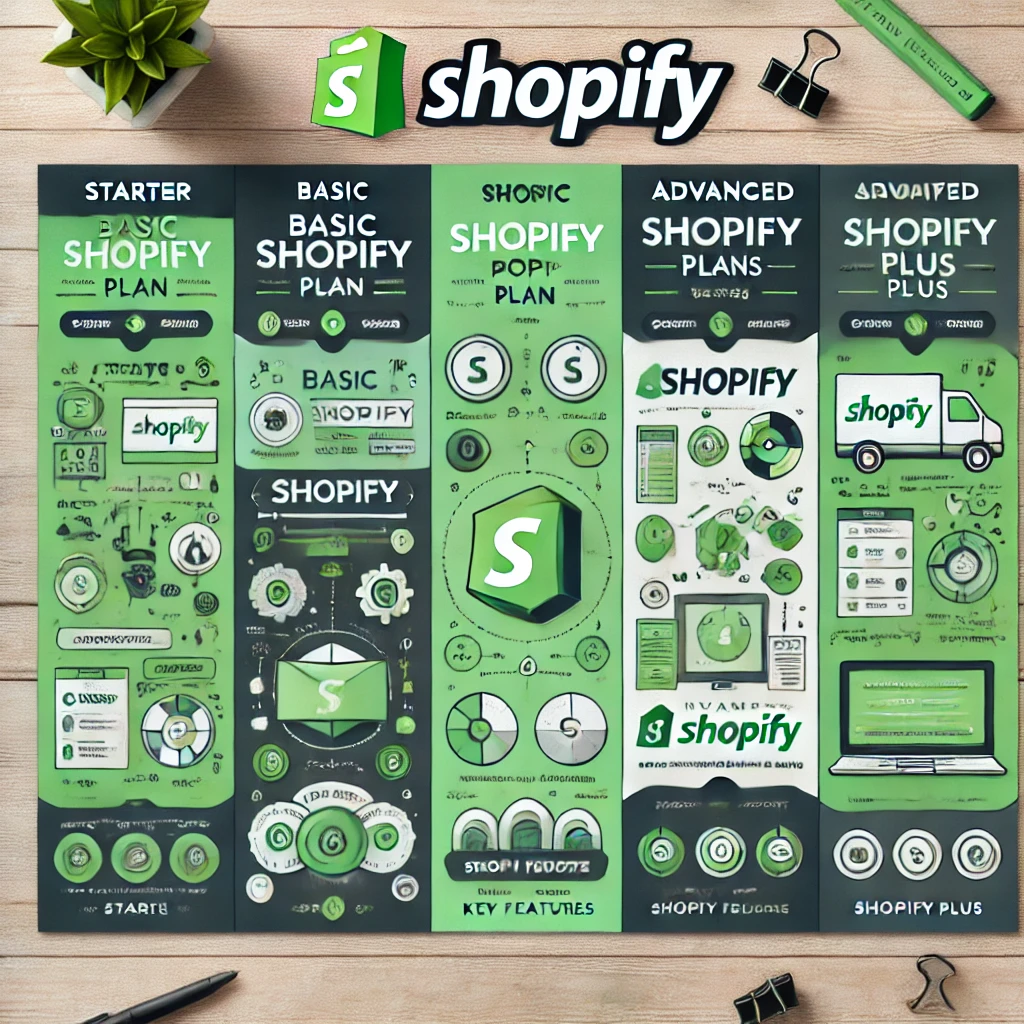
Shopify plans at a glance
| Plan | Best for | Key extras |
|---|---|---|
| Starter | Selling via social media and links | No full online store |
| Basic | New stores | Full store, essential reports |
| Shopify | Growing stores | More staff, professional reports |
| Advanced | Scaling stores | Custom reports, lower fees |
| Shopify Plus | High-volume brands | B2B, checkout extensibility, automation |
Starter: for social sellers
Starter lets you sell through social media, messaging apps and links without a full website. It suits creators and makers testing demand. Once you want your own branded store, move to Basic.
Basic: for new online stores
Basic includes everything needed to launch a full store: themes, unlimited products, discount codes, abandoned checkout recovery and essential reports. Most of our new clients start on Basic.
Shopify: for growing businesses
The middle plan adds more staff accounts and professional reports, and lowers fees. It suits teams with several people managing orders and marketing.
Advanced: for scaling brands
Advanced adds custom report building, more staff and inventory locations, and the lowest fees below Plus. It makes sense when sales volume is high enough that fee savings outweigh the higher subscription.
Shopify Plus: for enterprise and B2B
Shopify Plus adds B2B wholesale features, checkout extensibility, Shopify Flow automation, expansion stores for different regions and dedicated support. It suits brands with high revenue or complex operations. Our Shopify Plus developers help brands make the most of these tools.
How to choose between Shopify plans
- Estimate monthly sales and calculate fees on each plan.
- Count how many staff need admin access.
- Check which reports you actually use.
- List features you need now, not someday.
- Start lower and upgrade when the numbers justify it.
Switching plans is quick and does not affect your theme, products or customers, so there is little risk in starting small.
Real examples of choosing a plan
A new skincare brand
A founder launching with 20 products and one part-time helper started on Basic. After six months of steady sales, the fee savings and professional reports made the middle plan worthwhile, so they upgraded in a few clicks.
An established fashion retailer
A retailer moving from WooCommerce with a team of eight and several warehouses went straight to Advanced for custom reports, extra staff accounts and inventory locations.
A wholesale and retail brand
A brand selling to stores and consumers chose Shopify Plus for B2B price lists, company accounts and payment terms, running both channels from one admin instead of two systems.
In each case the decision came down to team size, sales volume and specific features rather than how the storefront looks, because every plan supports the same themes and design options.
If you are unsure, start on the lower plan and set a calendar reminder to review your fees and reports after three months. The numbers will tell you whether an upgrade pays for itself.
Other costs to budget for
Plan fees are only part of the picture. Budget for a theme (free or premium), apps for reviews, email and subscriptions, a custom domain, and design or development work. A realistic budget leaves room for marketing.
Frequently asked questions
Which of the Shopify plans should a new store choose?
Most new stores start on Basic and upgrade once sales and team size grow.
Can I change Shopify plans later?
Yes. You can upgrade or downgrade at any time without losing your store setup.
Do all Shopify plans include hosting?
Yes. Hosting, SSL and security are included on every plan.
When should I move to Shopify Plus?
Consider Plus when you need B2B, advanced checkout customisation or automation at high order volumes.
Not sure which of the Shopify plans fits your business? get a free quote and a free recommendation, or message us on WhatsApp.
Need a Shopify expert?
We design, build and speed up Shopify and Shopify Plus stores that convert. Tell us about your project and get a free estimate within 24 hours.
